
Screenshots

App details
- Updated
- Apr 1, 2009
- Language
- Spanish,English
- Developer
- gregsharp
- Category
- Mobile
SoftPas in:
This product is also available in the following languages:
About Streamripper for Winamp
Download Streamripper for Winamp – Open-Source Audio Stream Recorder, MP3 Capture Tool, Winamp Extension
Overview
Streamripper for Winamp is an open-source extension designed to enhance the functionality of the widely used Winamp media player by enabling users to capture live audio streams and save them as MP3 files. The app serves as a specialized utility for individuals who wish to preserve online radio broadcasts, podcasts, or live music streams for offline listening. It addresses the need for reliable, automated audio recording without requiring complex software or technical expertise. Target users include audiophiles, podcast enthusiasts, researchers, and anyone seeking to archive digital audio content from internet radio stations.
The application integrates directly into Winamp, leveraging its existing playback infrastructure to monitor and record streaming audio in real time. By adding metadata such as station name, track title, duration, and audio quality through ID3 tags, Streamripper ensures that recorded files are both searchable and well-organized. This feature is particularly valuable for users managing large collections of audio recordings.
Although the developer did not provide additional technical details, the app’s open-source nature suggests transparency and community-driven development. Its continued relevance since 2009 indicates a stable and functional design, even in modern computing environments. Streamripper for Winamp fills a niche in the digital audio ecosystem by offering a lightweight, focused solution for stream capture—without the bloat of full-featured media recorders.
Key Features & Functionality
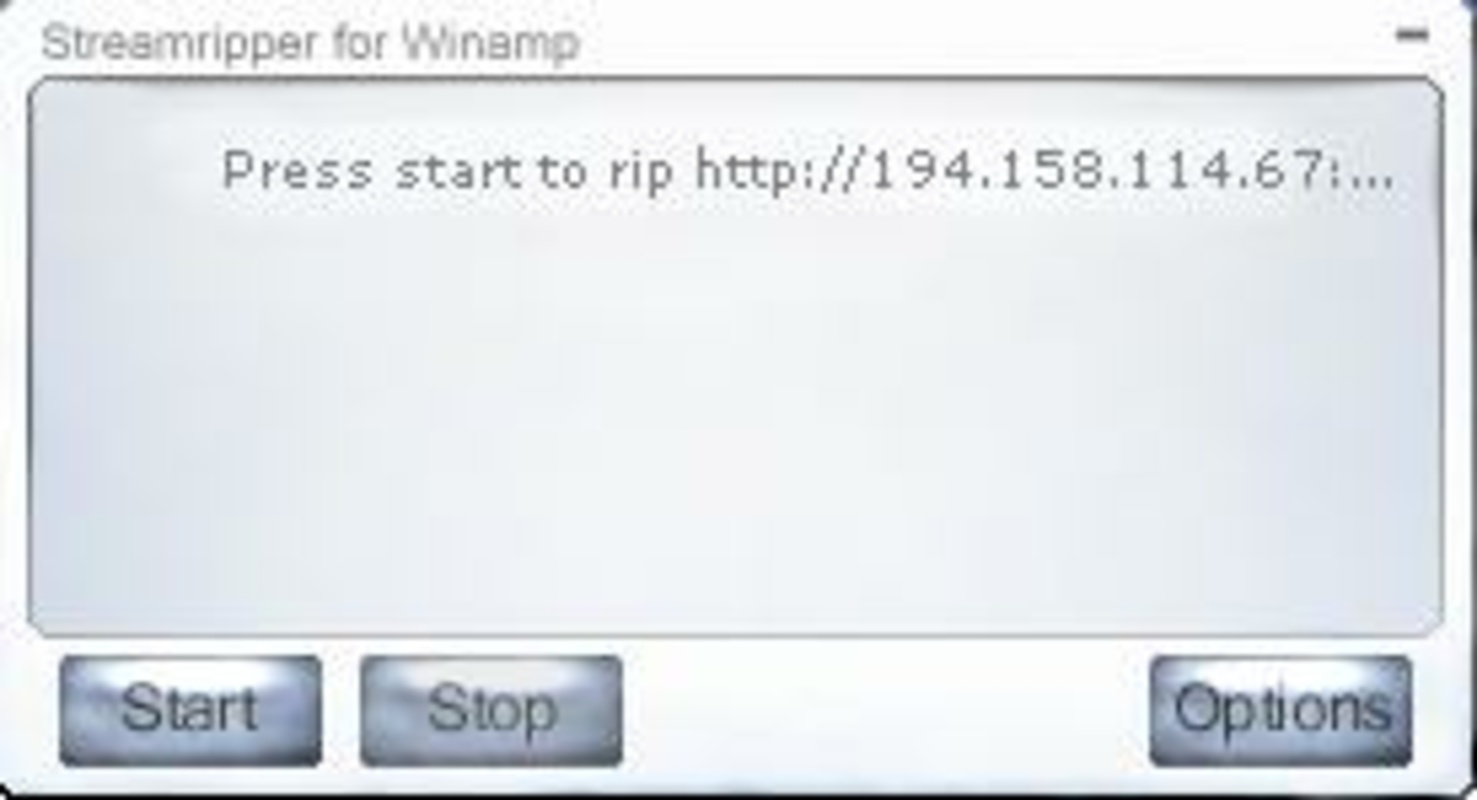
- Easy Recording Controls: The interface features just three buttons—'Start', 'Stop', and a third control for managing recording sessions—making the process intuitive for users of all experience levels. This minimal design reduces cognitive load and ensures quick access to core functions.
- ID3 Tag Information: Each recorded MP3 file includes rich metadata, such as the station name, song or program title, audio quality, and duration. This allows users to identify recordings without needing to listen to them, improving file management and retrieval.
- Multiple File Options: Users can configure whether recordings are saved as a single continuous file or split into individual tracks based on track changes. This flexibility supports both long-form broadcasts and music-based streams.
- Customizable Interface: The app offers three built-in skins, allowing users to modify the visual appearance of the interface to suit personal preferences. This small but meaningful customization enhances user engagement and comfort.
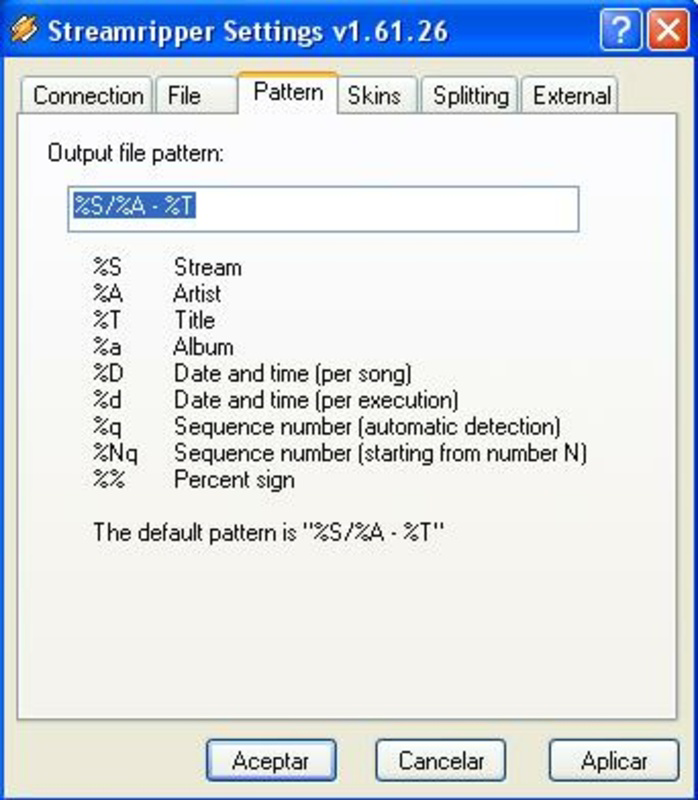
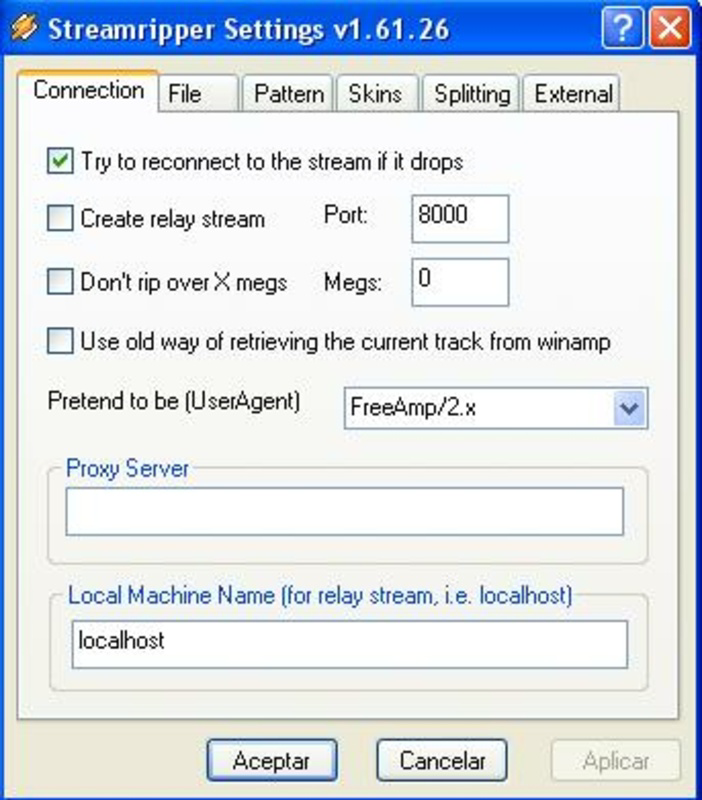
- Advanced Configuration Options: Through its settings, users can define file size limits, naming conventions, and recording formats. These options support automation and scalability, especially for users managing recurring or scheduled recordings.
For example, a user listening to a daily podcast can set up Streamripper to automatically name files using a date-based pattern and split them at track boundaries. Similarly, a researcher archiving live interviews can configure the tool to save each session as a separate file with descriptive tags.
Interface, UX & Performance
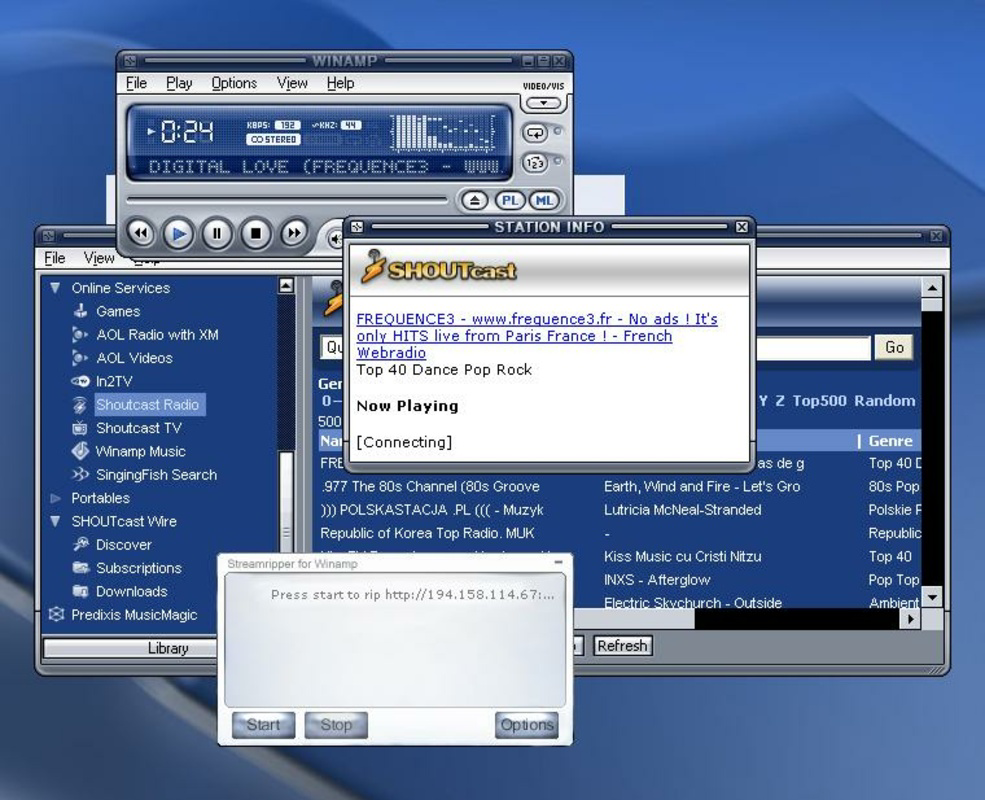
Streamripper for Winamp presents a clean, minimal interface that aligns with the classic Winamp aesthetic. The layout is straightforward, with essential controls grouped together for immediate access. Navigation is intuitive, relying on familiar button placements and clear visual feedback during recording sessions.
Although the developer did not list formal performance metrics, the app’s lightweight design suggests efficient resource usage. It is expected to run smoothly on older and modern Windows systems alike, given its minimal footprint and reliance on established playback engines. Responsiveness is likely consistent during recording, with minimal lag or interruption.
Stability appears to be a strength, as the app has remained in use for over a decade. Users can expect reliable operation during extended recording sessions. However, specific requirements for different device categories were not disclosed, so compatibility with newer Windows versions or hardware configurations should be tested in practice.
Platform Compatibility & Technical Requirements
Streamripper for Winamp is designed for the Windows platform and requires a compatible version of Winamp to function. The software version is not specified in the provided data, but the app is known to operate within the Winamp ecosystem. The file size is not listed, though its open-source nature and focused purpose suggest a compact footprint.
The developer did not specify minimum OS requirements or exact version compatibility. As such, users should verify whether their system meets the necessary conditions for running Winamp and its extensions. It is recommended to install the latest stable version of Winamp to ensure optimal integration and performance.
Pros and Cons
Pros
- Simple, user-friendly interface with only three core buttons
- Automatically embeds detailed ID3 metadata into MP3 files
- Supports flexible recording configurations (single or multiple files)
- Offers customizable skins for visual personalization
- Open-source and free to use, with transparent development
Cons
- No official support for macOS or Linux platforms
- Dependent on Winamp, limiting standalone functionality
- Outdated release date raises questions about modern compatibility
- Advanced settings may require technical familiarity
- No official updates or official documentation provided
FAQ
Is Streamripper for Winamp free to download and use?
Yes, Streamripper for Winamp is an open-source tool, which means it is available at no cost. Users can download and use it without purchasing a license.
Does Streamripper for Winamp work on Windows 10 and Windows 11?
While the developer did not specify exact compatibility, the app is designed to work with Winamp, which supports Windows 10 and 11. Users should test it on their system to confirm functionality.
Can I record streams from any online radio station?
Streamripper captures audio streams that are accessible through Winamp. It works with stations that broadcast via standard streaming protocols, but may not support all encrypted or DRM-protected streams.
Is the app secure to install and use?
As an open-source application, Streamripper for Winamp allows code inspection, which enhances transparency. However, users should download it only from trusted sources to avoid tampered versions.
Are there regular updates for Streamripper for Winamp?
The app was last released in 2009, and no official updates have been announced. Users should be aware that long-term support may be limited, especially on newer operating systems.
Final Thoughts
Streamripper for Winamp remains a dependable tool for users seeking a no-frills solution to capture and archive internet audio streams. Its clean interface, robust metadata tagging, and customization options make it a valuable addition to the Winamp ecosystem. While its age and lack of recent updates present potential compatibility challenges, its core functionality continues to serve niche audiences effectively.
For long-time Winamp users, podcast archivists, or those preserving digital radio content, this app delivers consistent value. Its open-source model ensures trust and accessibility, even without modern features.
Download Streamripper for Winamp now
Guides & Tutorials
How to install Streamripper for Winamp
- Click the Download button above.
- Once redirected, accept the terms and click Install.
- Wait for the Streamripper for Winamp download to finish on your device.
How to use Streamripper for Winamp
This software is primarily used for its core features described above. Open the app after installation to explore its capabilities.
User Reviews
No reviews yet. Be the first to share your experience.
You may also like
more
Que no te pillen¡
About !Que no te pillen¡Reviewed by Jason A. BilbreyShow MoreShow Less

3D Combat Zone
About 3D Combat ZoneOriginally released in 1983, 3D Combat Zone immerses players...

666: El día del portal
About 666: El día del portalOn June 6, 2006, Agent P. Stone uncovers a sinister...

80 in 1 Best Flash games
About 80 in 1 Best Flash games 80 in 1 Best Flash games is a collection of 80 fl...

ABYSS SEEKERーーWhat Do You See Deep in The Abyss
About ABYSS SEEKERーーWhat Do You See Deep in The AbyssIn ABYSS SEEKER, players...

ACA NEOGEO THE KING OF FIGHTERS 2002 for Windows
About ACA NEOGEO THE KING OF FIGHTERS 2002 for WindowsTHE KING OF FIGHTERS 2002,...